The Pantry vs Paprika: your recipe collection or your next meal?
Paprika is a strong candidate for cooks who want to organize and reuse a personal recipe collection. The Pantry starts with your available food and a custom meal conversation, while also providing ingredients and step-by-step cooking. The choice is about how you begin dinner.
Dinner starts with your food.
You want Rosemary to help shape a meal from your food and preferences, then carry it into an interactive cooking plan.
Your collection comes first.
You want to preserve, organize, scale and cook from a collection of recipes you have chosen and edited.
From your pantry to dinner.
Start with the help you want in your kitchen.
- ✓Available
- ■Partial
- ✕Not listed
| What matters in your kitchen | The PantryYour AI sous chef | PaprikaPaprika 3; beta noted |
|---|---|---|
| An AI sous chef to talk toAsk follow-up questions with your meal and kitchen in context. | ✓Meet Rosemary | ✕Not listed |
| New recipes made for youCreate a full recipe from a request, not just search results. | ✓Created from your request | ✕Not listed |
| Custom recipes from only your pantryBuild a meal with the food you have, without assuming extra staples. | ✓Pantry-only mode | ■Pantry-aware shopping |
| Change a recipe with AIAsk for a different ingredient, style or approach. | ✓Ask for a change | ✕Not listed |
| One timeline for the whole mealCoordinate dishes, step ingredients and timers. | ✓Dishes together | ■Recipe timers |
| Meal costs from your receiptsUse your grocery prices to estimate a serving. | ✓Your prices + estimates | ✕Not listed |
| Groceries from photos and receiptsAdd food with a review step before saving. | ✓Both, with review | ✕Not listed |
| Put use-soon food firstNotice ingredients that need attention and plan around them. | ✓Choose Use soon | ■Expiry-date sorting |
| Keep track of your pantryMaintain a record of food available at home. | ✓Editable inventory | ✓Quantities + dates |
| Plan meals and shoppingTurn dinner plans into a useful grocery list. | ✓Plans + shopping | ✓Plans + groceries |
Partial means a narrower or related workflow. Not listed means the reviewed official sources do not establish this feature, not proof that it is unavailable. Paid access alone does not make a feature partial.
Feature details & sources
An AI sous chef to talk to
The Pantry: Ask Rosemary for cooking help and follow up in the same conversation. Source
Paprika: Paprika 3 describes recipe management and cooking tools, not a conversational AI sous chef. Source
New recipes made for you
The Pantry: Generate a new recipe with ingredients and directions around your preferences. Source
Paprika: The guide describes saving, importing and manually writing recipes, not generating new recipes with AI. Source
Custom recipes from only your pantry
The Pantry: Pantry-only creation checks ingredients against your inventory. Water is allowed; extra groceries require your permission. Amounts still depend on an accurate inventory. Source
Paprika: Stocked ingredients are excluded from grocery lists. This is not a pantry-only recipe generator. Source
Change a recipe with AI
The Pantry: Request a recipe change and review the updated dish before applying it. Source
Paprika: Manual editing and ingredient scaling are available; AI recipe rewriting is not listed. Source
One timeline for the whole meal
The Pantry: Follow the meal timeline with ingredients beside each step and timers for cooking stages. Source
Paprika: Timers and recipe pinning help with cooking, but an automatically coordinated meal timeline is not listed. Source
Meal costs from your receipts
The Pantry: Usable reviewed receipt prices feed meal costs. Estimates fill supported gaps; incomplete coverage remains visible. Source
Paprika: The Paprika 3 guide does not list receipt-price recipe costing. Source
Groceries from photos and receipts
The Pantry: Review recognized groceries and receipt details before adding them to your kitchen. Source
Paprika: Paprika 3 pantry entry is manual. Paprika 4 beta recipe-photo scanning is for existing recipes, not grocery photo/receipt inventory entry. Source
Put use-soon food first
The Pantry: Mark ingredients Use soon and choose to prioritize them when creating meals. Source
Paprika: Store expiry dates and sort pantry items by them; recipe creation around use-soon food is not listed. Source
Keep track of your pantry
The Pantry: Manage quantities and food records in your shared kitchen. Source
Paprika: Pantry quantities, purchase/expiry dates and in-stock status. Source
Plan meals and shopping
The Pantry: Plan meals, adjust servings and review the shopping needs for your plan. Source
Paprika: Daily, weekly and monthly meal planning with pantry-aware grocery lists. Source
Paprika 3’s iOS user guide is the stable-version reference. Paprika 4 beta is identified separately. Other platforms and paid purchases were not independently tested.
Begin with the value of the recipes you already own
A personal recipe collection is more than a folder of dinner ideas. It can contain family adjustments, notes from repeat cooks and a record of which version everyone liked. If that is the center of your cooking routine, moving to a different app should preserve the useful work, not ask you to recreate it. Judge any alternative on that practical requirement first.
Paprika 3 documents web clipping, recipe organization, scaling, timers, pantry records and meal planning. The Pantry’s emphasis is a custom meal built around food and preferences, then a cooking sequence you can follow. Those approaches can coexist. You may want a dependable archive for familiar dishes and a separate way to decide what to make from a changing set of groceries.
References: Paprika 3 official iOS user guide · The Pantry: kitchen and Rosemary overview
Keep Paprika 3 and the Paprika 4 beta separate
The Paprika iOS documentation explicitly identifies version 3 and links to a separate version 4 beta guide. The beta announcement includes mobile barcode pantry entry. We keep that distinction in the table because a prospective buyer should not have to discover later that a comparison mixed stable and preview features.
Before making a switch, check the version running on each device in your household, how your data is synchronized and which features you personally depend on. For any beta, keep a recoverable copy of important data and review the developer’s current migration instructions. This article does not claim that a beta feature is missing from the product forever or already present in every stable installation.
References: Paprika 3 official iOS user guide · Paprika 4 open beta announcement
Try a recipe you know, not just a new sample
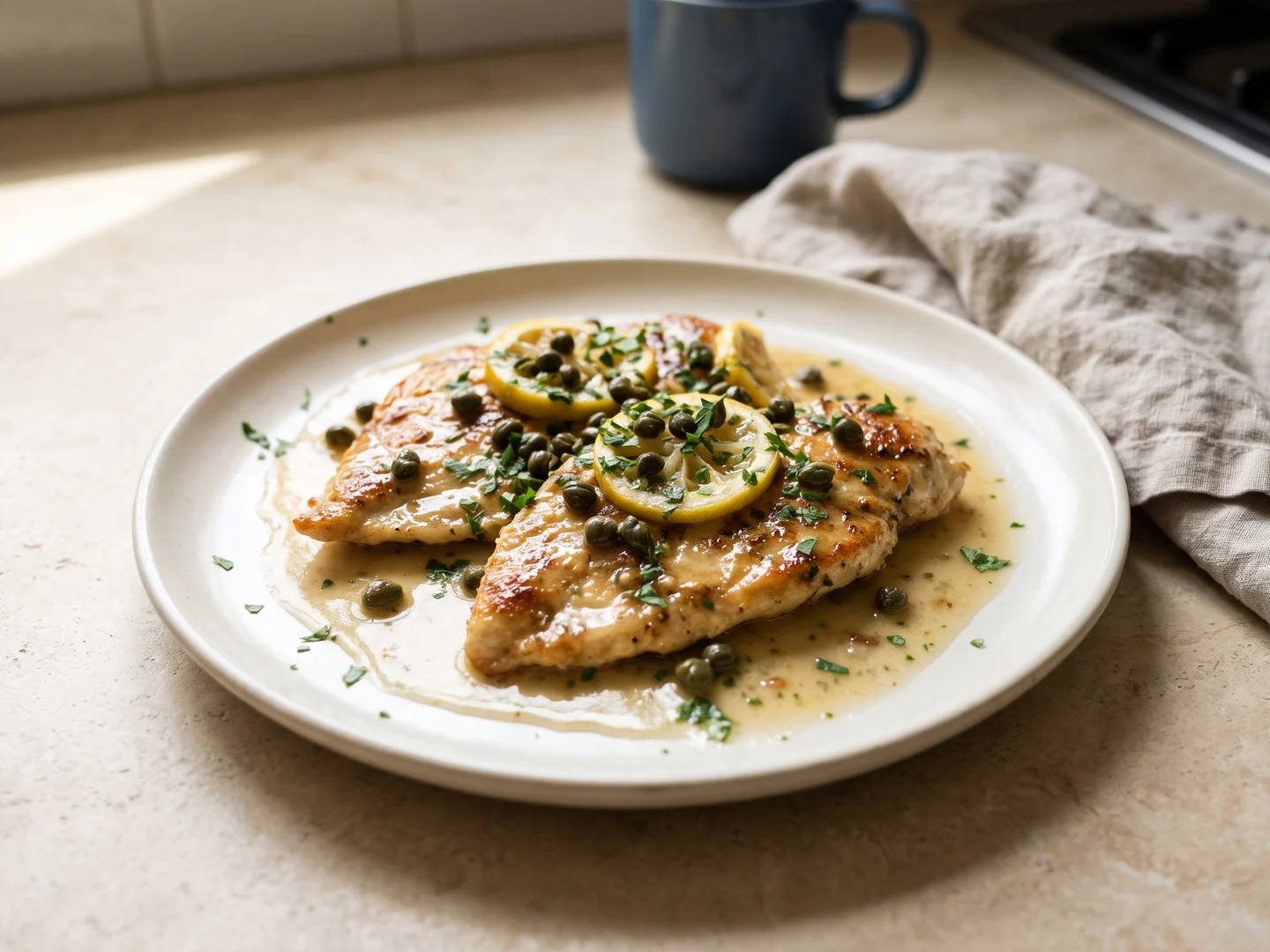
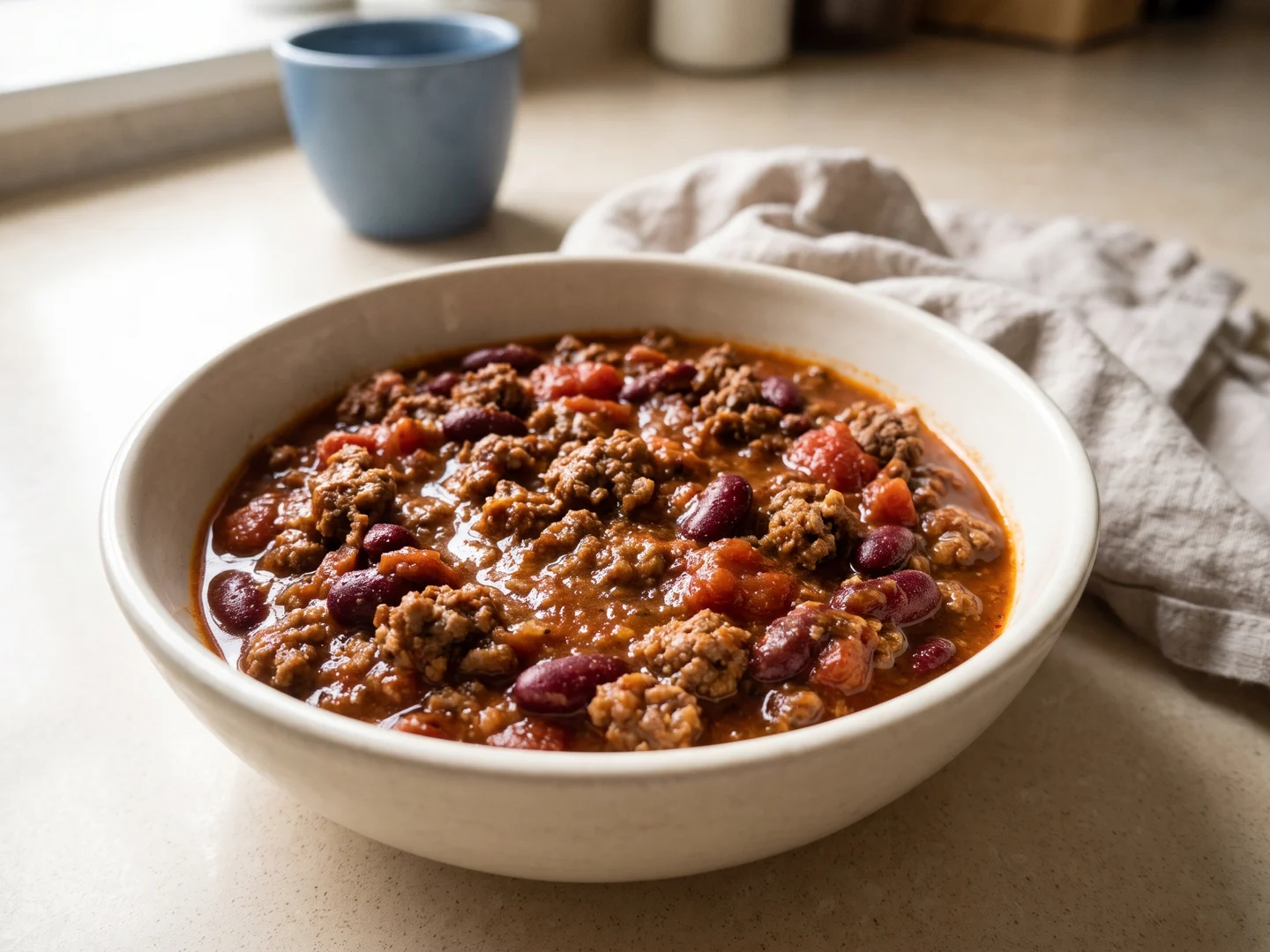
Choose a familiar dinner such as chicken piccata or a pot of chili. Change the serving count and inspect every quantity, including small amounts and optional ingredients. Then look at the order of the work: preparation, heating, cooking and finishing. Consider whether you can find the next action with messy hands and return to a previous step without losing your place.
The Pantry’s public recipe view shows step ingredients, timers and progress in one cooking surface. Paprika already has cooking aids, so it would be misleading to frame this as interactive cooking versus none at all. The useful comparison is how the instructions are arranged for your habits. We have not performed a paired stove-side usability test or measured which one takes fewer taps.
References: Try The Pantry cooking experience · Paprika 3 official iOS user guide
Check the relationship between a recipe and your cupboards
An ingredient name in a saved recipe does not tell you whether you have enough of it. Before shopping, compare the recipe quantities with actual stock and decide which ingredients need using first. A cupboard may contain rice, but only enough for one person. Likewise, an open jar should not silently become a full jar just because its name matches.
Run this as a concrete exercise with two dinners that share tomatoes or beans. Build the shopping list, use part of the stock and then change one dinner. Note where you had to correct a quantity and whether the next shopper could follow the result. If your current setup already handles that comfortably, a different app needs to solve another meaningful problem to justify moving.
Make a reversible decision
Paprika may be the better fit when recipe ownership and repeatable planning are your central needs. Keep your collection intact while trying something new. Do not assume that two products’ export and import formats are compatible just because both can save recipes. Test a small representative set, including notes, ingredients, source links and a recipe you edited heavily.
The Pantry is worth trying when you want help turning the groceries on hand into a meal you have not already chosen. Begin with one custom request and one complete cooking flow. You can continue using a recipe archive alongside it. We have not verified bulk migration between these products, so this page does not promise a one-click transfer or suggest deleting an existing library.
After several dinners, compare the parts that mattered: finding a trusted version, adapting portions, seeing the needed ingredients and knowing the next action. A successful switch should preserve what you value and reduce a real point of friction. There is no need to replace an effective recipe collection simply because another tool approaches dinner differently.
References: The Pantry: kitchen and Rosemary overview · Try The Pantry cooking experience
Make the comparison practical.
Use these guides to decide what to track, what to cook and what an app should help you do.
Questions before you choose
Does Paprika already have cooking timers and serving scaling?
Yes. Both are documented in the Paprika 3 iOS guide, alongside ingredient crossing-off and direction marking.
Does this comparison include Paprika 4 beta?
The main comparison uses Paprika 3. Paprika 4 beta adds features such as recipe-photo scanning and barcode entry; beta features are identified separately, not assumed to be available in Paprika 3.
Can I move my whole Paprika library into The Pantry?
We have not verified a complete compatible migration. Keep your original collection and test a small set before relying on any transfer workflow.
Sources and comparison method
This guide is published by The Pantry. Competitor features come from the linked official materials, not a hands-on review or a paid-tier test. Pantry capabilities were checked against the current application implementation and public cooking pages. We have not measured comparative savings, recognition accuracy or cooking outcomes.
- Paprika 3 official iOS user guide
Version 3 features, including pantry, scaling, timers, planning and export.
- Paprika 4 open beta announcement
Beta announcement dated September 28, 2026; not represented as stable Paprika 3 functionality.
- The Pantry: kitchen and Rosemary overview
Public product walkthrough; inventory, review and custom-recipe behavior also checked against the current application implementation.
- Try The Pantry cooking experience
Public working recipe: ingredients, serving adjustment, step progress and timers.
- How we calculate recipe cost per serving
The cost method and the difference between an estimate and your own reviewed purchase prices.
Product names belong to their respective owners. Their inclusion does not imply an affiliation or endorsement. Our editorial approach.