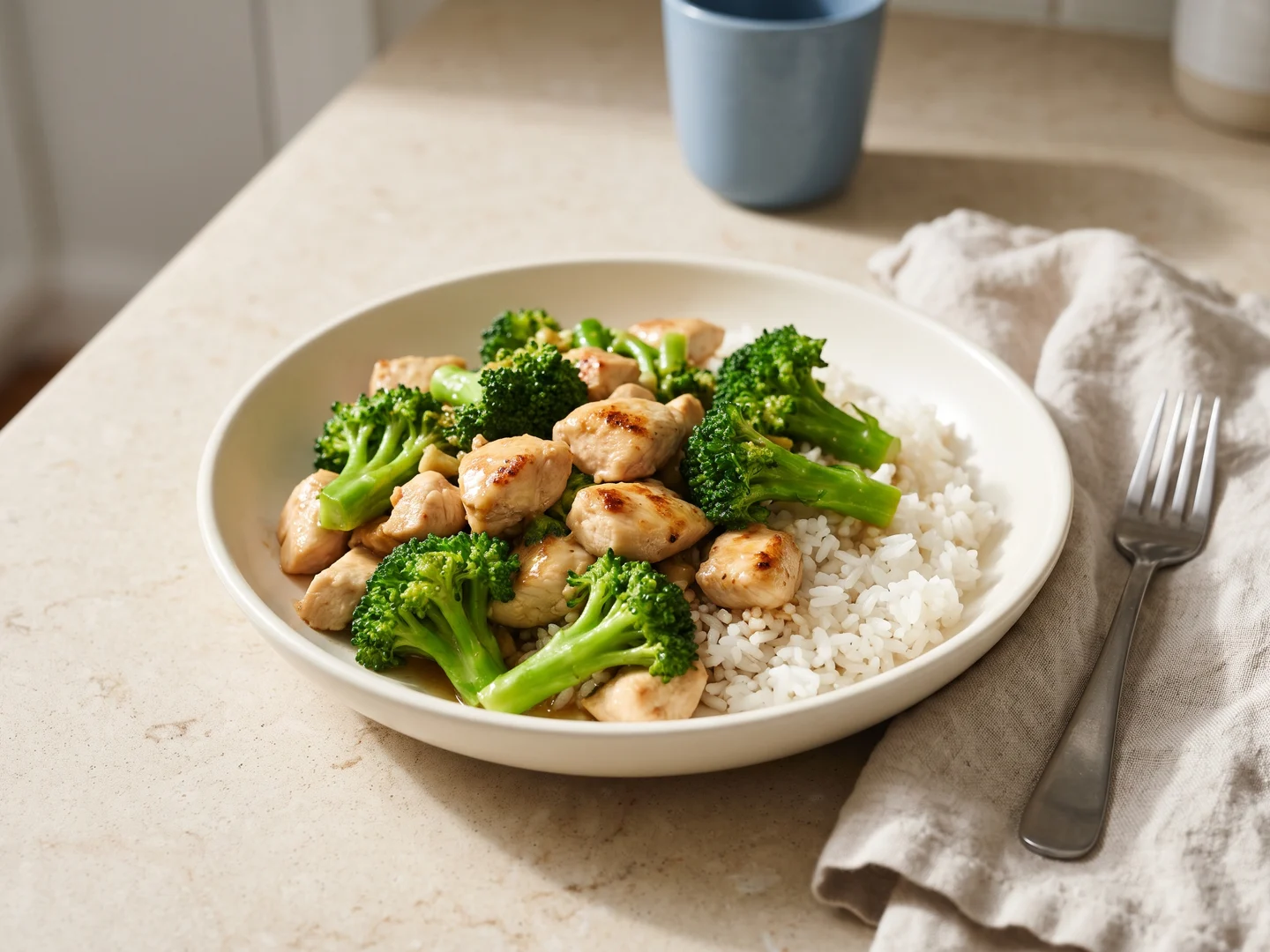
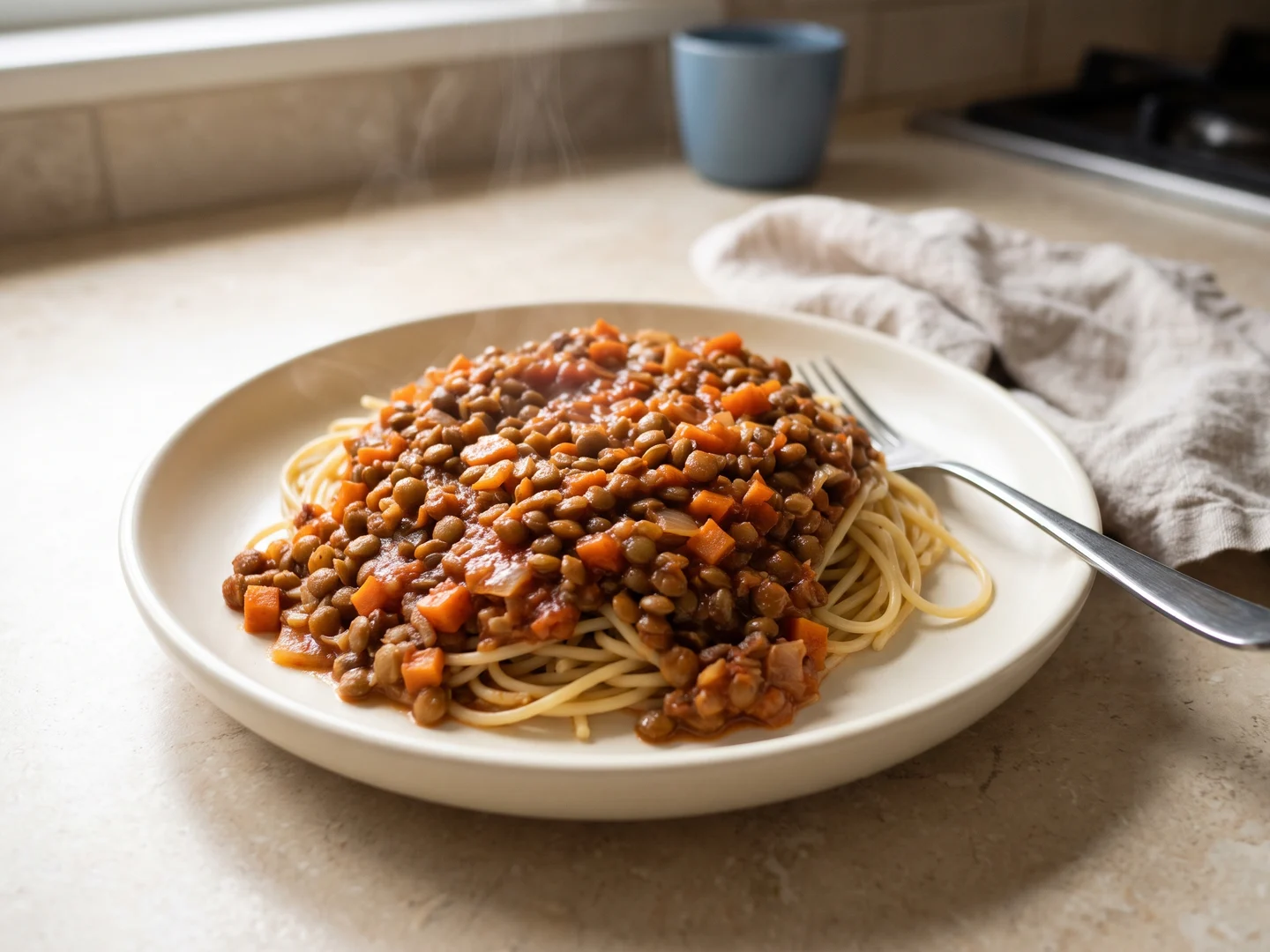
The Pantry vs Samsung Food: two ways to plan and cook
The Pantry starts with a conversation: ask Rosemary for a new meal, keep it pantry-only, and follow its cooking timeline. Samsung Food+ also offers AI, with recipe personalization, ingredient photos and guided cooking. The difference is the workflow, not simply whether AI is present.
Dinner starts with your food.
You want to discuss a meal around your ingredients and preferences, then follow its ingredients, steps and timers together.
You start with a plan.
You want recipe saving and communities alongside planning, or Food+ features tied to your mobile cooking and nutrition routine.
From your pantry to dinner.
Start with the help you want in your kitchen.
- ✓Available
- ■Partial
- ✕Not listed
| What matters in your kitchen | The PantryYour AI sous chef | Samsung FoodIncludes Food+ |
|---|---|---|
| An AI sous chef to talk toAsk follow-up questions with your meal and kitchen in context. | ✓Meet Rosemary | ■AI cooking guidance |
| New recipes made for youCreate a full recipe from a request, not just search results. | ✓Created from your request | ■AI personalization |
| Custom recipes from only your pantryBuild a meal with the food you have, without assuming extra staples. | ✓Pantry-only mode | ■Food-list search |
| Change a recipe with AIAsk for a different ingredient, style or approach. | ✓Ask for a change | ✓Food+ on mobile |
| One timeline for the whole mealCoordinate dishes, step ingredients and timers. | ✓Dishes together | ■Guided recipe steps |
| Meal costs from your receiptsUse your grocery prices to estimate a serving. | ✓Your prices + estimates | ✕Not listed |
| Groceries from photos and receiptsAdd food with a review step before saving. | ✓Both, with review | ■Ingredient photos |
| Put use-soon food firstNotice ingredients that need attention and plan around them. | ✓Choose Use soon | ✓Food+ Use It Up |
| Keep track of your pantryMaintain a record of food available at home. | ✓Editable inventory | ✓Food List |
| Plan meals and shoppingTurn dinner plans into a useful grocery list. | ✓Plans + shopping | ✓Plans + shopping |
Partial means a narrower or related workflow. Not listed means the reviewed official sources do not establish this feature, not proof that it is unavailable. Paid access alone does not make a feature partial.
Feature details & sources
An AI sous chef to talk to
The Pantry: Ask Rosemary for cooking help and follow up in the same conversation. Source
Samsung Food: Smart Cook Mode provides AI tips and adjustments. An ongoing pantry-aware sous-chef conversation is not established by this guide. Source
New recipes made for you
The Pantry: Generate a new recipe with ingredients and directions around your preferences. Source
Samsung Food: Food+ changes an existing recipe with AI. Its described entry point is Personalize, rather than an open-ended new-meal request. Source
Custom recipes from only your pantry
The Pantry: Pantry-only creation checks ingredients against your inventory. Water is allowed; extra groceries require your permission. Amounts still depend on an accurate inventory. Source
Samsung Food: Use It Up searches existing recipes using your food list. A strict pantry-only custom creation mode is not listed. Source
Change a recipe with AI
The Pantry: Request a recipe change and review the updated dish before applying it. Source
Samsung Food: AI personalization adapts recipes for preferences and nutritional goals. Source
One timeline for the whole meal
The Pantry: Follow the meal timeline with ingredients beside each step and timers for cooking stages. Source
Samsung Food: AI-guided cooking and appliance control are offered; a coordinated timeline across dishes is not established. Source
Meal costs from your receipts
The Pantry: Usable reviewed receipt prices feed meal costs. Estimates fill supported gaps; incomplete coverage remains visible. Source
Samsung Food: The reviewed Food+ guide does not list meal costs calculated from your grocery receipts. Source
Groceries from photos and receipts
The Pantry: Review recognized groceries and receipt details before adding them to your kitchen. Source
Samsung Food: Vision AI adds ingredients from photos. Grocery receipt entry is not listed in this guide. Source
Put use-soon food first
The Pantry: Mark ingredients Use soon and choose to prioritize them when creating meals. Source
Samsung Food: Food-list recipe search prioritizes soon-to-expire food. Source
Keep track of your pantry
The Pantry: Manage quantities and food records in your shared kitchen. Source
Samsung Food: Food-list management, with automated updates described for Food+ on mobile. Source
Plan meals and shopping
The Pantry: Plan meals, adjust servings and review the shopping needs for your plan. Source
Samsung Food: Meal planning and shopping lists; Food+ adds personalized plans. Source
Samsung Food’s official overview and Food+ feature page, checked separately. Mobile-only and subscription descriptions are kept explicit; no paid account comparison was performed.
Compare the version you will actually use
A fair Samsung Food comparison has to distinguish the general product from Food+. The main product describes recipe saving, communities, weekly planning, grocery lists and recipe nutrition. Its Food+ page adds mobile-specific descriptions for personalization, guided steps, food-list search and inventory upkeep. Calling Samsung Food only a recipe box would miss important overlap with The Pantry.
Start by writing down your three most important jobs. For example: choose a dinner from available food, change it for three people and follow it at the stove. Then check those same jobs on the device you cook with and the plan you would buy. A capability described for a mobile subscription should not silently become a checkmark for every browser and free account.
References: Samsung Food official product overview · Samsung Food+ official feature and platform details
Saved inspiration and a custom meal request
If you already collect recipes from particular cooks, protecting that collection matters. Keep the original source, your changes and notes about what worked. For a dinner you repeat often, a trusted saved version can be more useful than creating a fresh variation each time. A recipe organizer and a custom meal assistant answer related, but different, questions.
The Pantry’s Rosemary flow is useful to inspect when the request is less fixed: something with the vegetables in your fridge, a particular style of dinner and the time you have. Samsung Food+ also advertises AI personalization, so AI alone is not a meaningful differentiator. Compare how clearly each result communicates amounts, substitutions and the cooking sequence, then decide which conversation or editing approach feels natural.
References: The Pantry: kitchen and Rosemary overview · Samsung Food+ official feature and platform details
Use a three-dinner plan as the comparison
Plan three dinners with an overlapping basket: broccoli, rice, beans, tomatoes and one protein. Make one dinner vegetarian and change another from two people to four. Before shopping, inspect the combined list. Look for ingredients already at home, duplicates with slightly different names and amounts that no longer match the portions. Those details matter more than how impressive a calendar looks when empty.
After shopping, decide who will update the food record and when. If the app suggests an inventory change, check whether it matches what was actually used. Saving a recipe, planning it and eating it are three separate events. A reliable household routine should let you correct the record when you switch dinners, order takeout or cook only half a batch.
Look beyond the planning screen
Open a complete recipe on the phone or tablet you normally use in the kitchen. Find the amount for the current step without returning to the top. Check how to mark a step done, return to an earlier instruction and handle a timer. If you often make a main dish and two sides, consider the sequence of tasks rather than just the estimated total time.
The Pantry’s public cooking pages let you try quantities, step progress and timers before choosing it for your own meals. Samsung’s guided-cooking description includes appliance control; whether that matters depends on your equipment and supported setup. We have not tested hardware integrations or timed a paired cook, so this page does not award either product an accuracy or speed advantage.
References: Try The Pantry cooking experience · Samsung Food+ official feature and platform details
When to stay, switch or use both
Samsung Food is a reasonable option if your saved collection and discovery habits are already working and you want planning around them. Food+ deserves a separate trial if its mobile features match your needs. Check the current local subscription and device availability directly instead of using a price copied into an article as a purchase decision.
Choose a Pantry trial if you want to organize dinner around groceries you have and a conversation with Rosemary. You can keep inspiration elsewhere while comparing that path. After a week, assess the actual meals made and the upkeep required. Neither an automated suggestion nor an attractive nutrition panel proves a better outcome. The useful choice is the one you understand, can correct and will continue using.
References: Samsung Food official product overview · Samsung Food+ official feature and platform details · The Pantry: kitchen and Rosemary overview
Make the comparison practical.
Use these guides to decide what to track, what to cook and what an app should help you do.
Questions before you choose
Does Samsung Food have pantry and ingredient-based features?
Yes. The Food+ page describes mobile food-list search and automated pantry-list features. This comparison does not treat those capabilities as missing.
Is AI recipe help unique to The Pantry?
No. Samsung Food+ also describes AI personalization. Compare the workflow and output you need, including quantities and cooking instructions.
Samsung Food+ official feature and platform details · The Pantry: kitchen and Rosemary overview
Which is the better choice for my kitchen?
Try the same three-dinner plan, serving change and cooking task in the versions you would use. A saved-recipe habit, a shared shopping routine and a custom meal request can lead to different choices.
Sources and comparison method
This guide is published by The Pantry. Competitor features come from the linked official materials, not a hands-on review or a paid-tier test. Pantry capabilities were checked against the current application implementation and public cooking pages. We have not measured comparative savings, recognition accuracy or cooking outcomes.
- Samsung Food official product overview
General recipe, planning, shopping, community and nutrition descriptions.
- Samsung Food+: subscription feature guide
AI personalization, Vision AI, Use It Up and Smart Cook Mode.
- Samsung Food+ official feature and platform details
Subscription and mobile-only feature descriptions. Confirm current country, tier and device availability.
- The Pantry: kitchen and Rosemary overview
Public product walkthrough; inventory, review and custom-recipe behavior also checked against the current application implementation.
- Try The Pantry cooking experience
Public working recipe: ingredients, serving adjustment, step progress and timers.
- How we calculate recipe cost per serving
The cost method and the difference between an estimate and your own reviewed purchase prices.
Product names belong to their respective owners. Their inclusion does not imply an affiliation or endorsement. Our editorial approach.